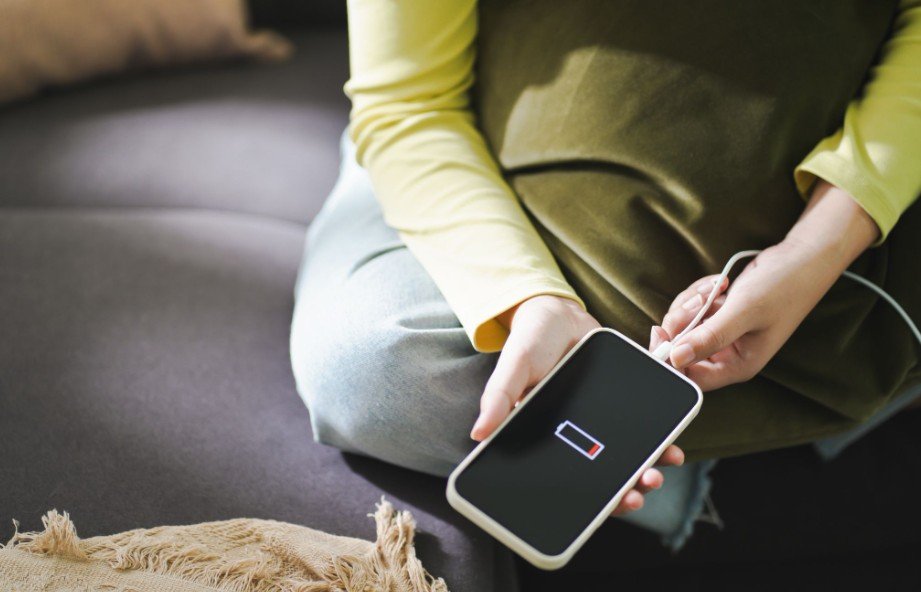
I know how disappointing it feels to open Battery settings and discover that Maximum Capacity has dropped. Although no rechargeable battery can remain at 100% forever, learning how to make iPhone battery health last longer can slow chemical aging and keep an iPhone dependable for years.
The most effective strategy is to control heat, reduce the time the battery spends completely full or empty, and use Apple’s built-in charging protections.
Battery health and daily battery life are different. Battery life measures how long a charge lasts, while battery health describes the battery’s ability to hold energy compared with when it was new. Lowering screen brightness may extend today’s charge, but preventing overheating can provide a more direct long-term benefit.
What Is the Best Way to Protect iPhone Battery Health?
Heat is one of the biggest threats to a lithium-ion battery. Charging habits also matter because batteries experience greater chemical stress when they remain at a very high or very low charge level for extended periods.
I recommend keeping Optimized Battery Charging enabled, selecting a suitable Charge Limit on supported models, and avoiding frequent complete discharges. These habits cannot stop normal aging, but they can reduce unnecessary battery strain without making the phone difficult to use.
How Do I Set a Charge Limit on an iPhone?
On supported models, open Settings, tap Battery, and select Charging. Choose a limit that fits your normal schedule. Depending on the iPhone and software version, available options may include 80%, 85%, 90%, 95%, and 100%.
The Charge Limit feature is available on iPhone 15 and newer models, although the exact options can vary by model and iOS version. An 80% limit provides the greatest separation from a full charge, but it also reduces the amount of energy available during the day. I prefer 80% when I remain close to a charger and 90% or 95% when I need additional runtime.
Charging to 100% before a long drive, flight, storm, or workday is perfectly reasonable. A lower limit should improve convenience over time, not create daily battery anxiety.
Should I Enable Optimized Battery Charging?
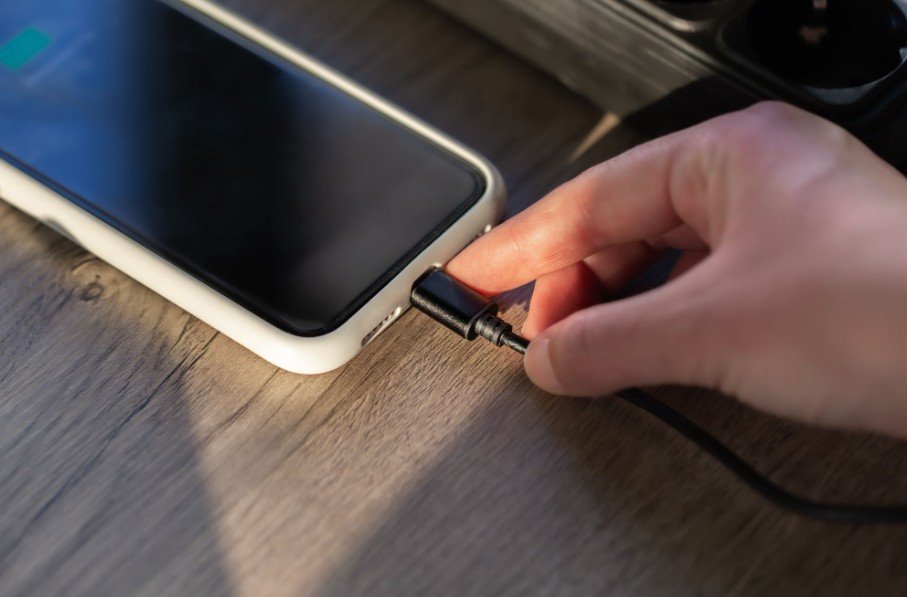
If I need a full charge regularly, I keep Optimized Battery Charging turned on. On older models, I open Settings, tap Battery, select Battery Health & Charging, and enable the feature. Menu wording may differ slightly across iOS versions.
Optimized Battery Charging learns a regular charging routine. It may pause at approximately 80% and complete the remaining charge closer to when the phone expects to be unplugged. This reduces the time the battery remains fully charged overnight.
The feature may not activate when routines frequently change, such as during travel or rotating work shifts. That does not necessarily mean anything is wrong with the battery.
Is It Safe to Charge an iPhone Overnight?
Charging overnight is generally safe because the iPhone automatically manages the charging process. It stops actively charging when the battery reaches its limit and resumes when necessary. Optimized Battery Charging provides another layer of protection by delaying the final stage.
The greater concern is trapping heat. I place the phone on a hard, uncovered surface rather than under a pillow, blanket, or clothing. If a thick protective case causes noticeable warmth, I remove it while charging.
An overheated phone should cool naturally in a shaded, ventilated area. Placing it in a refrigerator or freezer can expose it to condensation and rapid temperature changes.
How Can I Keep My iPhone Cool While Charging?
Apple advises avoiding the use or charging of an iPhone in ambient temperatures above 95°F. A parked vehicle can quickly exceed that level, even on a moderately warm day.
I never leave my phone on a dashboard, sunny windowsill, or outdoor table in direct sunlight. I also avoid intensive gaming, high-resolution video recording, editing, navigation, and other demanding activities while charging. These tasks make the processor work harder and can generate additional heat.
If the iPhone displays a temperature warning, I disconnect it from power, stop using it, and move it to a cooler area. I wait until it returns to a normal temperature before charging again.
Does Fast Charging or MagSafe Reduce Battery Health?
Fast charging and MagSafe do not automatically damage an iPhone battery. Compatible devices manage incoming power and reduce charging speed as the battery approaches its limit. However, fast and wireless charging may generate more heat under certain conditions.
I use fast charging when I need power quickly. When speed is unimportant, wired charging may operate more efficiently and keep the device cooler. Correct MagSafe alignment also matters because poor alignment can waste energy as heat.
Apple accessories, MFi-certified products, and reputable USB-C Power Delivery chargers are sensible choices. I avoid damaged cables and poorly made, unbranded adapters that may lack dependable power or temperature management.
Should I Follow the 20–80 Charging Rule?
Keeping the battery between approximately 20% and 80% can reduce exposure to stressful charge levels, but I treat it as a flexible guideline rather than a strict command. Occasionally dropping below 20% or charging to 100% will not ruin the battery.
I avoid repeatedly draining the phone to zero and leaving it discharged for long periods. Small top-ups throughout the day are suitable for lithium-ion batteries, which do not need to reach zero before recharging.
Battery cycles are cumulative. For example, using 50% of the battery one day and another 50% later can equal one complete charge cycle. Reducing unnecessary power consumption can slow the rate at which these cycles accumulate.
Which Settings Can Reduce Battery Drain and Charge Cycles?
I begin by opening Settings and selecting Battery. Battery Usage by App reveals which apps consume the most energy and whether they remain active in the background. If an app I rarely use appears near the top, I check its location, notification, and background permissions.
Reducing unnecessary browsing and limiting distracting or unsafe sites can also lower screen time and background activity. Learning how to block websites on iPhone without an app gives users a built-in way to manage access through Screen Time without installing another service.
Under Settings, General, and Background App Refresh, I disable refresh for nonessential apps. I also enable Auto-Brightness under Settings, Accessibility, Display & Text Size so the display does not remain unnecessarily bright indoors.
Dark Mode can reduce display power consumption on iPhones with OLED screens because black pixels require little or no illumination. Shortening Auto-Lock, disabling Always-On Display when unnecessary, and using Low Power Mode can further reduce daily drain.
A stable Wi-Fi connection usually consumes less energy than cellular service, particularly when the mobile signal is weak. However, I do not constantly disable Wi-Fi and Bluetooth because they use minimal power while inactive.
How Do I Check Maximum Capacity and Battery Condition?
Open Settings, tap Battery, and select Battery Health or Battery Health & Charging. Maximum Capacity estimates how much charge the battery can hold compared with when it was new. Some newer iPhones also show cycle count and manufacturing information.
The percentage may remain unchanged for months and then fall because it is an estimate, not a live measurement of every chemical change. No app or charging trick can restore genuinely lost capacity.
I would consider battery replacement when iOS displays a service message, the phone shuts down unexpectedly, runtime becomes impractical, or performance noticeably declines. Capacity near or below 80% is a common point at which replacement becomes worthwhile.
Frequently Asked Questions
1. How to make iPhone battery health last longer without limiting normal use?
Keep charging optimization enabled, avoid excessive heat, use reliable charging accessories, and prevent frequent complete discharges. These habits offer meaningful protection without requiring constant monitoring.
2. Is it bad to charge an iPhone several times a day?
No. Partial charging is suitable for lithium-ion batteries. Several short charging sessions do not automatically count as several complete cycles.
3. Can iPhone battery health return to 100%?
Genuine chemical capacity loss cannot be reversed. Software recalibration may alter the displayed estimate, but replacing the battery is the reliable way to restore capacity.
4. Does Dark Mode improve battery health?
Dark Mode can reduce power consumption on OLED displays. It does not directly repair battery health, but lower energy use may reduce how often the phone needs charging.
A Smarter Approach to Long-Term Battery Care
When I consider how to make iPhone battery health last longer, I focus on useful habits instead of worrying about every percentage change. I keep the device cool, select a practical Charge Limit, use certified accessories, and let Apple’s charging controls do their job.
The same principle applies across mobile platforms. Learning how to improve your Android experience can help users make practical adjustments to battery use, notifications, privacy, storage, and overall device performance without relying on unnecessary apps.
Battery degradation is unavoidable, so I still use the features I bought the phone to enjoy. Sensible protection matters, but a minor drop in Maximum Capacity is normal and should not prevent anyone from using an iPhone confidently.