Smartphones have become much more than communication devices. They help us manage work, stay connected with family, organize schedules, pay bills, navigate unfamiliar places, and even monitor our health. As these responsibilities continue to grow, people expect their devices to simplify daily life instead of adding more distractions. That’s exactly where Android has steadily improved over the years, making everyday digital experiences feel smoother without demanding constant attention.
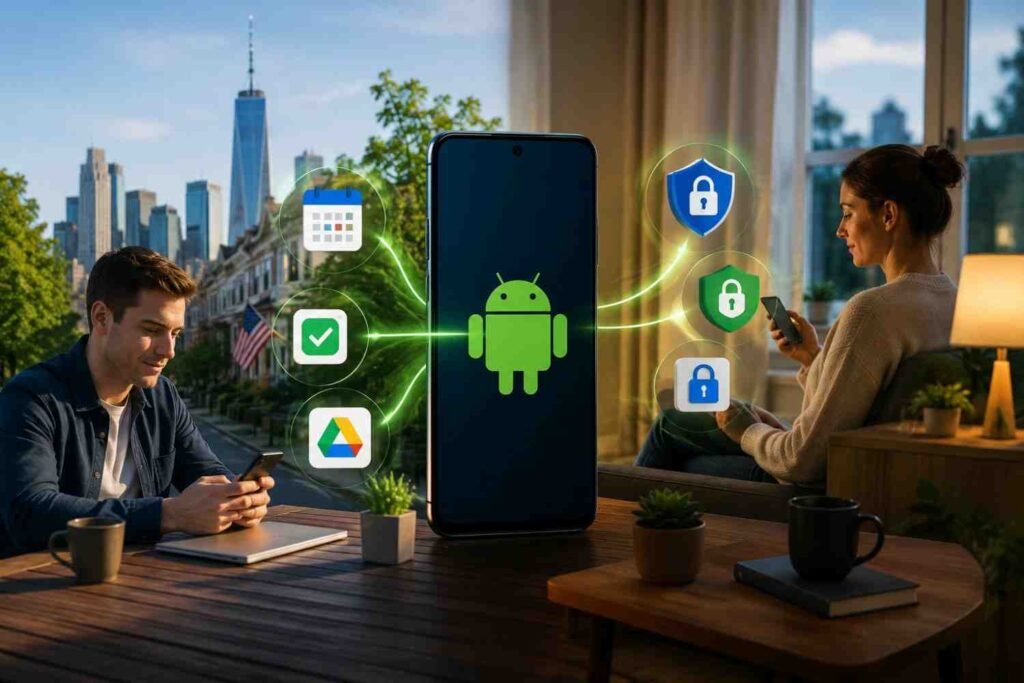
What makes Android stand out today isn’t a single headline feature. It’s the way multiple tools work together behind the scenes. From organizing notifications and improving multitasking to protecting personal information and reducing unnecessary interruptions, Android focuses on solving everyday problems. Whether you’re working remotely, attending classes, traveling, or simply trying to stay organized, how Android simplifies everyday digital life becomes clear through the small conveniences that save time throughout the day.
Productivity That Fits Naturally Into Your Routine

People rarely use their phones for just one task anymore. A typical day involves checking emails, joining video meetings, managing calendars, messaging colleagues, making online payments, and switching between personal and work responsibilities. Android reduces this constant juggling by bringing essential tools together in one place.
One of the biggest advantages is its flexible multitasking experience. Split Screen allows two apps to run simultaneously, making it easy to compare documents, reply to messages while reviewing notes, or copy information without repeatedly switching between apps. These small improvements help users stay focused while reducing unnecessary interruptions.
Quick Settings also contribute to a more efficient workflow. Instead of digging through multiple menus, users can customize frequently used controls like Wi-Fi, mobile data, Do Not Disturb, Flashlight, or Bluetooth for one-tap access. Saving just a few seconds throughout the day quickly adds up when these actions are repeated dozens of times.
Smarter Notifications Reduce Digital Noise
Constant notifications often create more stress than convenience. Android addresses this by giving users greater control over which alerts deserve immediate attention.
Digital Wellbeing and Focus Mode allow users to temporarily pause distracting apps while keeping essential notifications available. During work hours, social media apps can remain silent while business communication continues uninterrupted. Later in the evening, those settings can automatically change to encourage healthier screen habits.
Instead of demanding attention every few minutes, Android helps people decide when technology should interrupt them. That shift creates a healthier relationship with digital communication while improving concentration throughout the day.
Cross-Device Features Make Work Easier
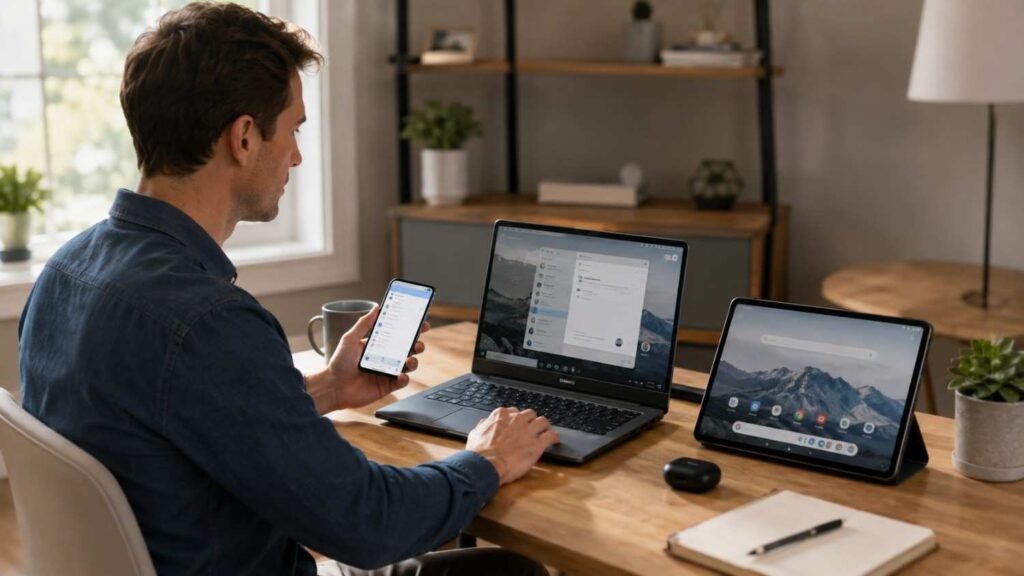
The modern workplace rarely revolves around a single device. Many people move between smartphones, laptops, tablets, and desktop computers throughout the day.
Android supports this transition by making cross-device experiences feel seamless. Users can continue conversations, manage text messages from their computers, copy information between devices, or quickly share files without relying on complicated third-party services.
Quick Share has also become one of Android’s most practical tools. Instead of emailing files to yourself or uploading them to cloud storage first, documents, photos, and videos can move between compatible devices within seconds. These improvements remove small frustrations that often slow down daily work.
Personalization Makes Every Device Feel Familiar
No two people use their phones in exactly the same way. Some prioritize productivity, while others focus on creativity, entertainment, or communication. Android recognizes this by offering a highly customizable experience that adapts to individual preferences.
Material You allows users to personalize colors, widgets, and layouts based on their wallpaper, creating a cleaner and more consistent interface. Home screen widgets also provide instant access to calendars, weather updates, reminders, fitness tracking, and smart home controls without opening multiple applications.
These personalization options aren’t simply cosmetic. They help reduce the number of steps needed to complete everyday tasks, making the device feel more intuitive over time.
Beyond appearance, personalization reflects how Android continues to evolve by adapting to different lifestyles instead of expecting every user to follow the same digital habits.
AI Features Save Time Without Taking Control
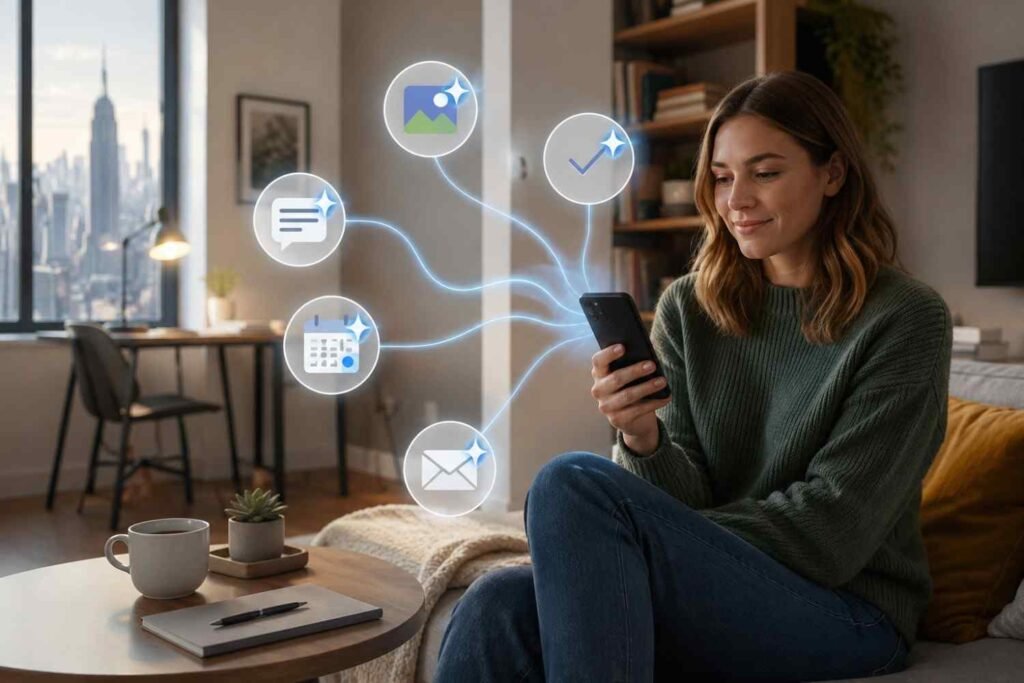
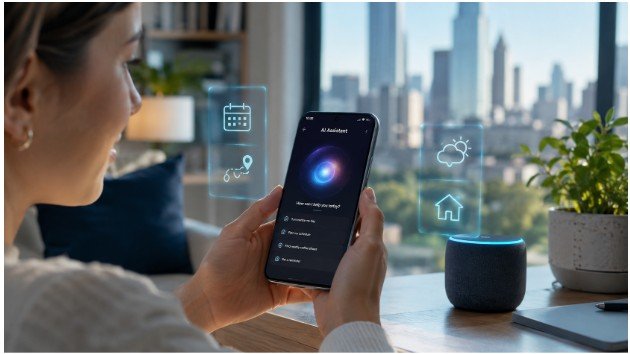
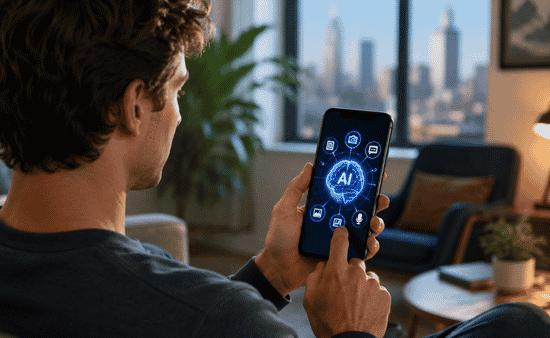
Artificial intelligence has become one of Android’s biggest strengths, but its best features are often the ones that quietly remove extra steps. Circle to Search lets users search text, products, or images without leaving the app they’re using, while Gemini helps summarize information, answer questions, and assist with everyday tasks. Instead of replacing how people use their phones, these tools simply make common actions faster and more intuitive.
Google Wallet, Maps, and built-in services also reduce everyday friction. Whether you’re making contactless payments, storing boarding passes, finding directions, or accessing loyalty cards, Android keeps everything organized in one ecosystem. These connected experiences save time while reducing the need to switch between multiple apps.
Accessibility Benefits Everyone
Many Android accessibility features were designed to support people with specific needs, but they’ve become useful for everyone. Live Caption automatically adds captions to videos, Live Translate helps overcome language barriers, and voice controls make hands-free navigation easier when driving or multitasking.
Find My Device, passkeys, and Adaptive Battery further improve the experience by helping users recover lost devices, sign in securely without traditional passwords, and extend battery life based on daily habits. Together, these features make Android feel reliable rather than demanding.
Why Small Improvements Make the Biggest Difference

Android doesn’t simplify everyday digital life through one revolutionary feature. Its strength comes from combining productivity tools, thoughtful privacy controls, intelligent automation, and meaningful customization into one connected experience.
Instead of asking users to constantly adjust to new technology, Android quietly adapts to how people already live. That ongoing refinement is why millions continue to rely on it for work, communication, entertainment, and everything in between.
FAQs: From Productivity to Privacy: How Android Simplifies Everyday Digital Life
1. What makes Android useful for everyday productivity?
Android combines multitasking, customizable Quick Settings, Focus Mode, and cross-device features to help users stay organized while completing daily tasks more efficiently.
2. How does Android improve privacy?
Built-in tools like Privacy Dashboard, temporary permissions, Permission Auto-Reset, and Advanced Protection help users control how apps access personal information.
3. Can Android help reduce screen distractions?
Yes. Digital Wellbeing and Focus Mode allow users to limit notifications, pause distracting apps, and create healthier digital habits without uninstalling applications.
4. Why do Android updates matter?
Regular updates introduce better security, smarter AI features, improved accessibility, and performance enhancements that make everyday digital experiences safer and more convenient.
The Technology You Notice Less Often Helps the Most
The best technology rarely demands attention—it simply works when you need it. That’s exactly what Android has been moving toward by making productivity, privacy, and everyday convenience feel connected instead of complicated. Whether you’re organizing your workday, protecting sensitive information, or staying connected across devices, the platform quietly removes many of the small frustrations that once interrupted daily life.
As digital habits continue to evolve, Android’s biggest advantage isn’t adding more features. It’s making the ones you already use feel smarter, faster, and easier every day.